Upload an empty room
Use a clear photo that shows the walls, windows and floor.
Furnish empty rooms from a photo in about a minute. Explore furniture and decor for your listing while asking the AI to preserve the existing architecture.
Use a clear photo that shows the walls, windows and floor.
Select the room type and furniture style. One credit produces one image.
Check the before/after view for accurate architecture and scale. Download with the disclosure label and follow your listing service’s rules.
Show a possible furniture arrangement in an empty property, alongside its original photos.
Help prospective tenants understand how an unfurnished rental could be used. Make clear which furnishings are illustrative.
Explore a welcoming room concept before choosing whether to furnish or photograph the property again.
Plan furnishings for an empty space. Guest-facing listing photos should accurately represent what guests will find.
These source rooms were generated with AI, then edited through our staging pipeline. They are examples, not customer properties. Move the slider to compare.
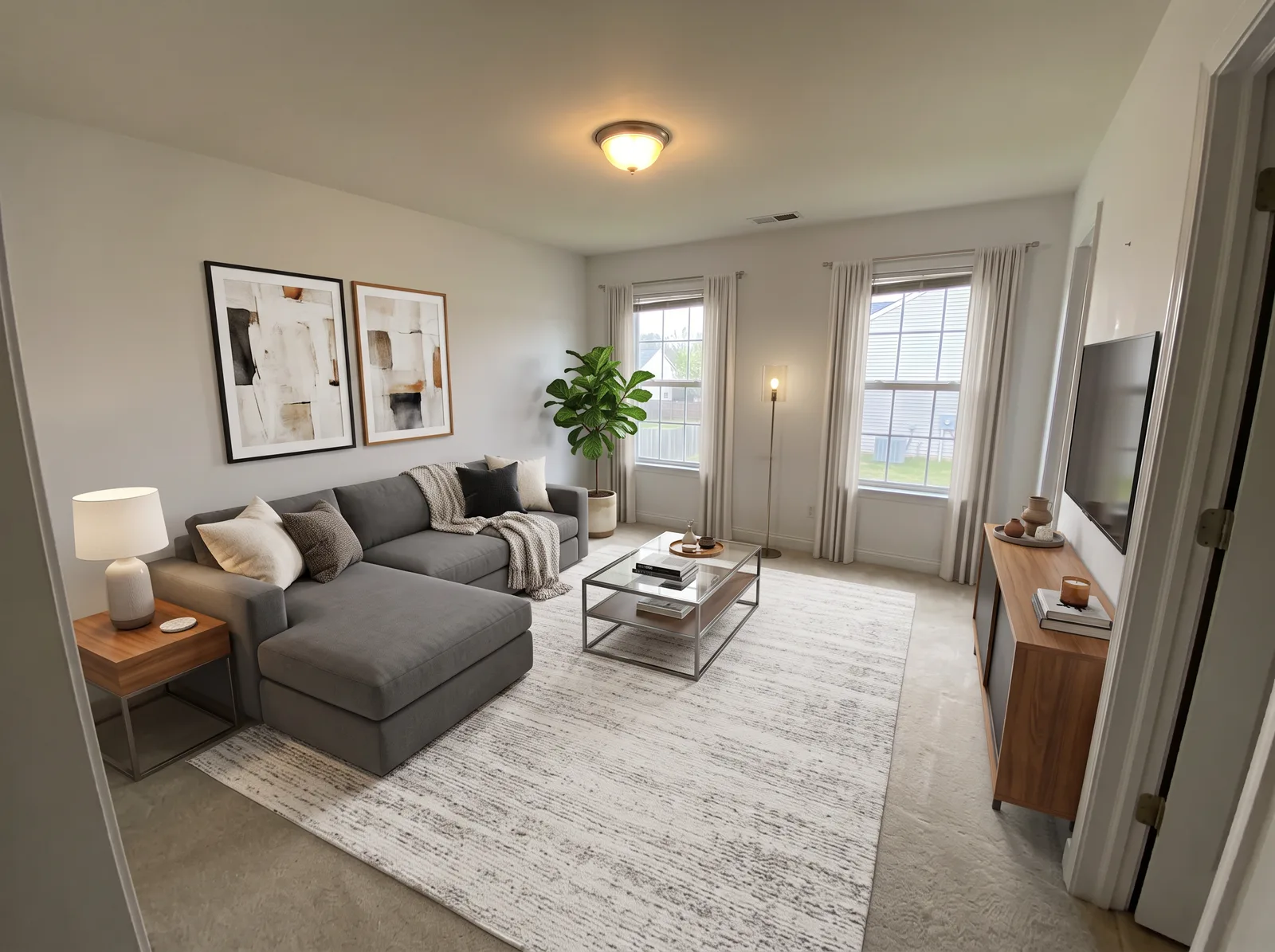
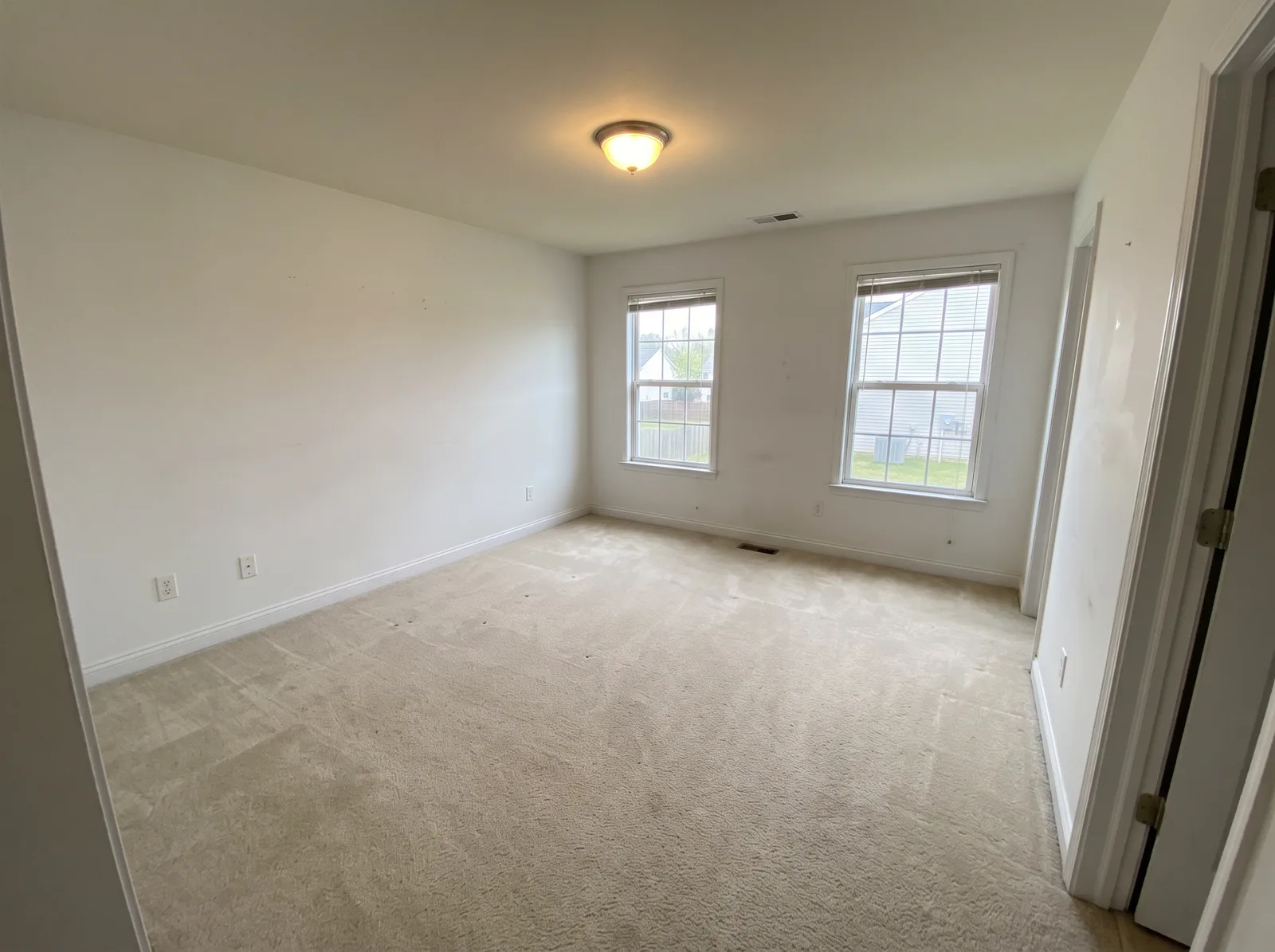 Virtually stagedBeforeAfter
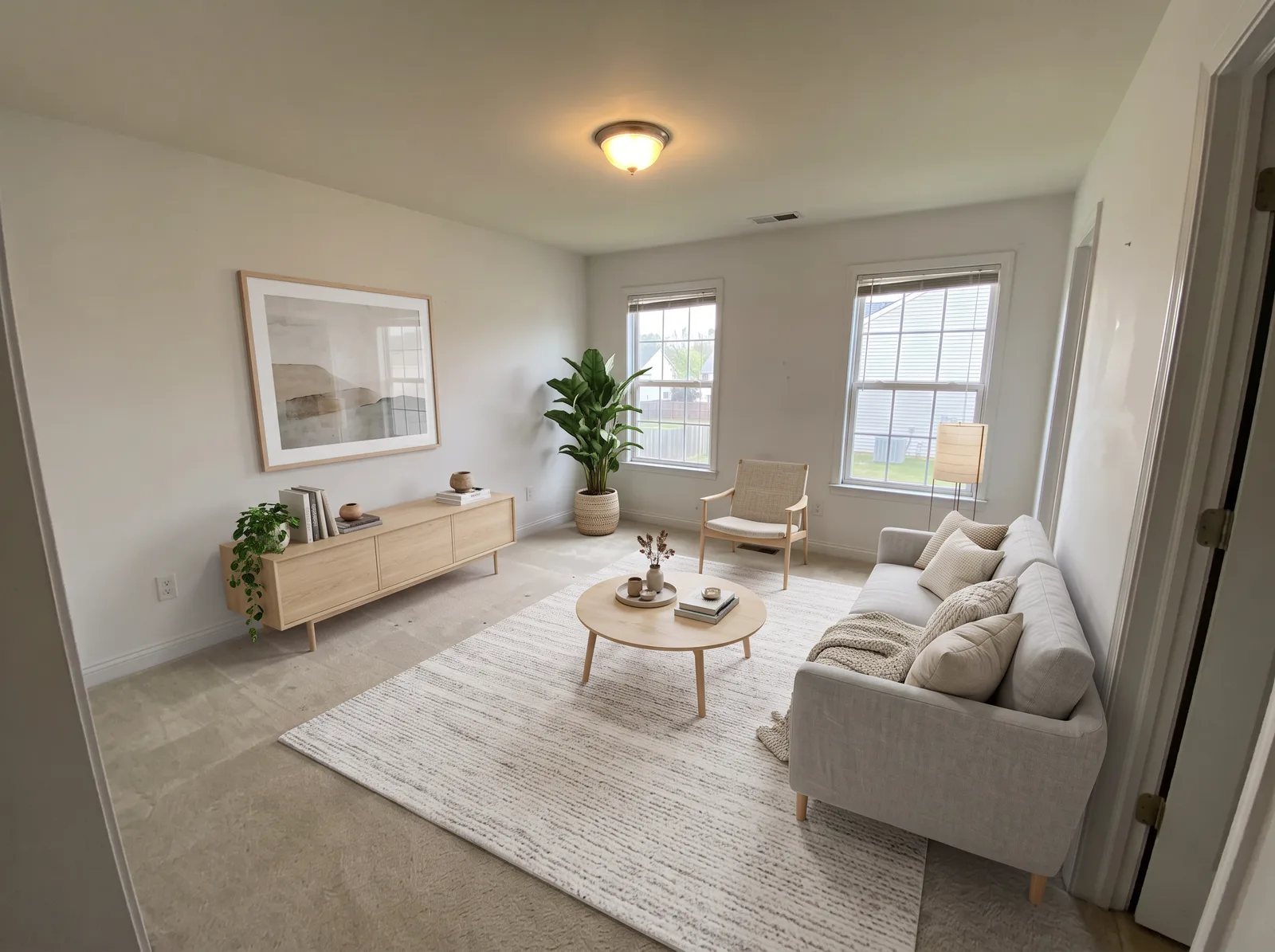 Virtually stagedBeforeAfter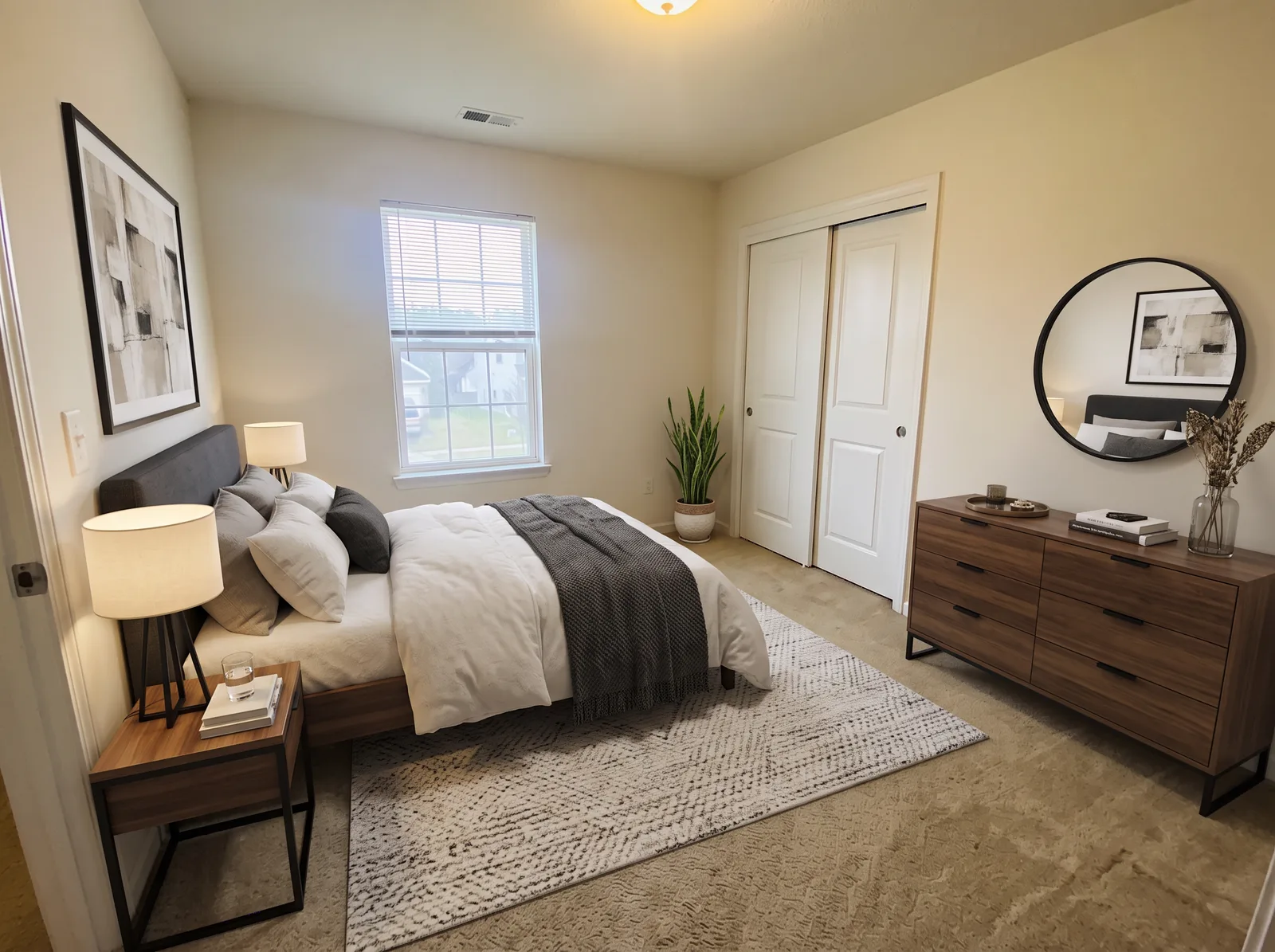
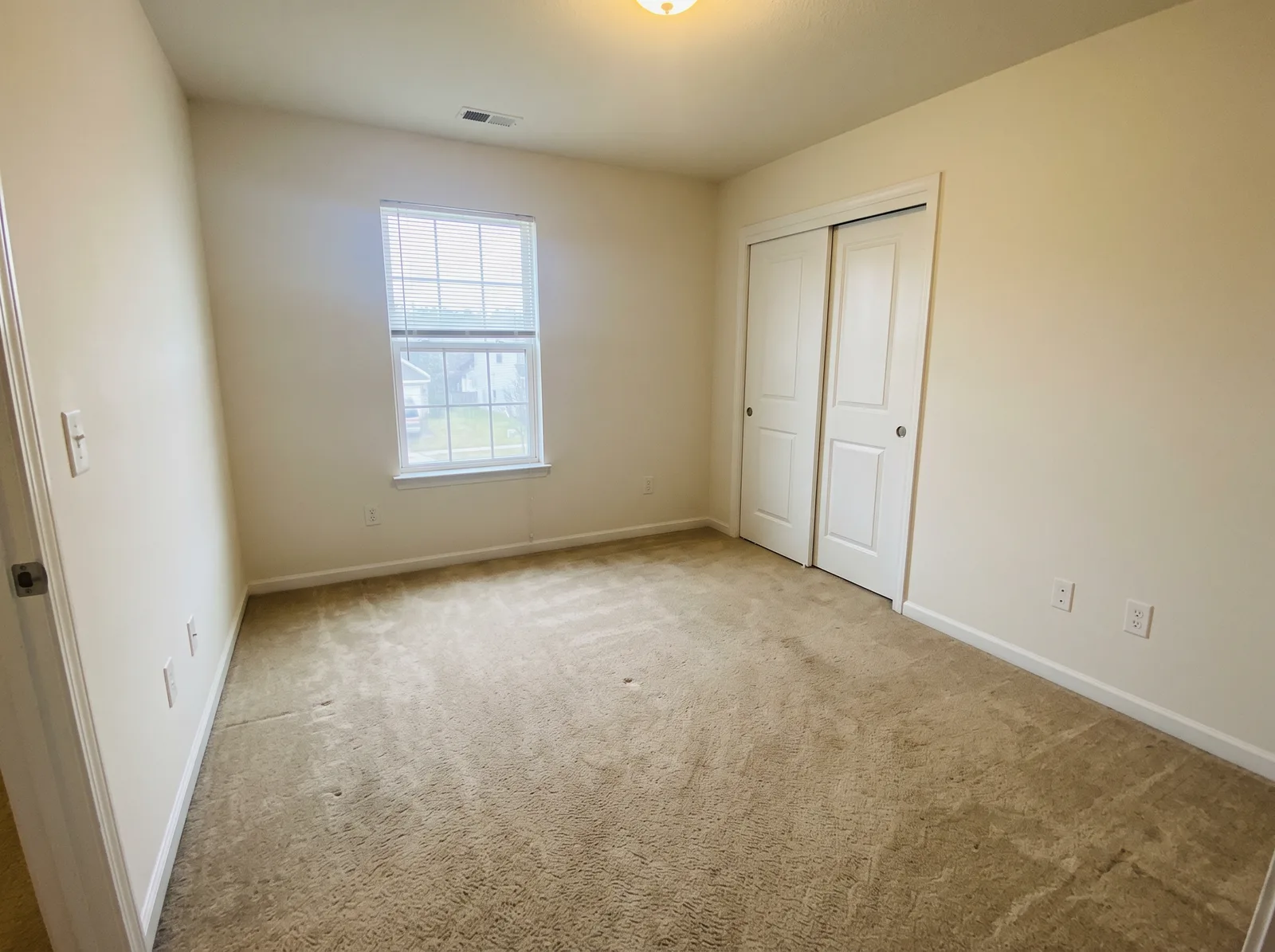 Virtually stagedBeforeAfter
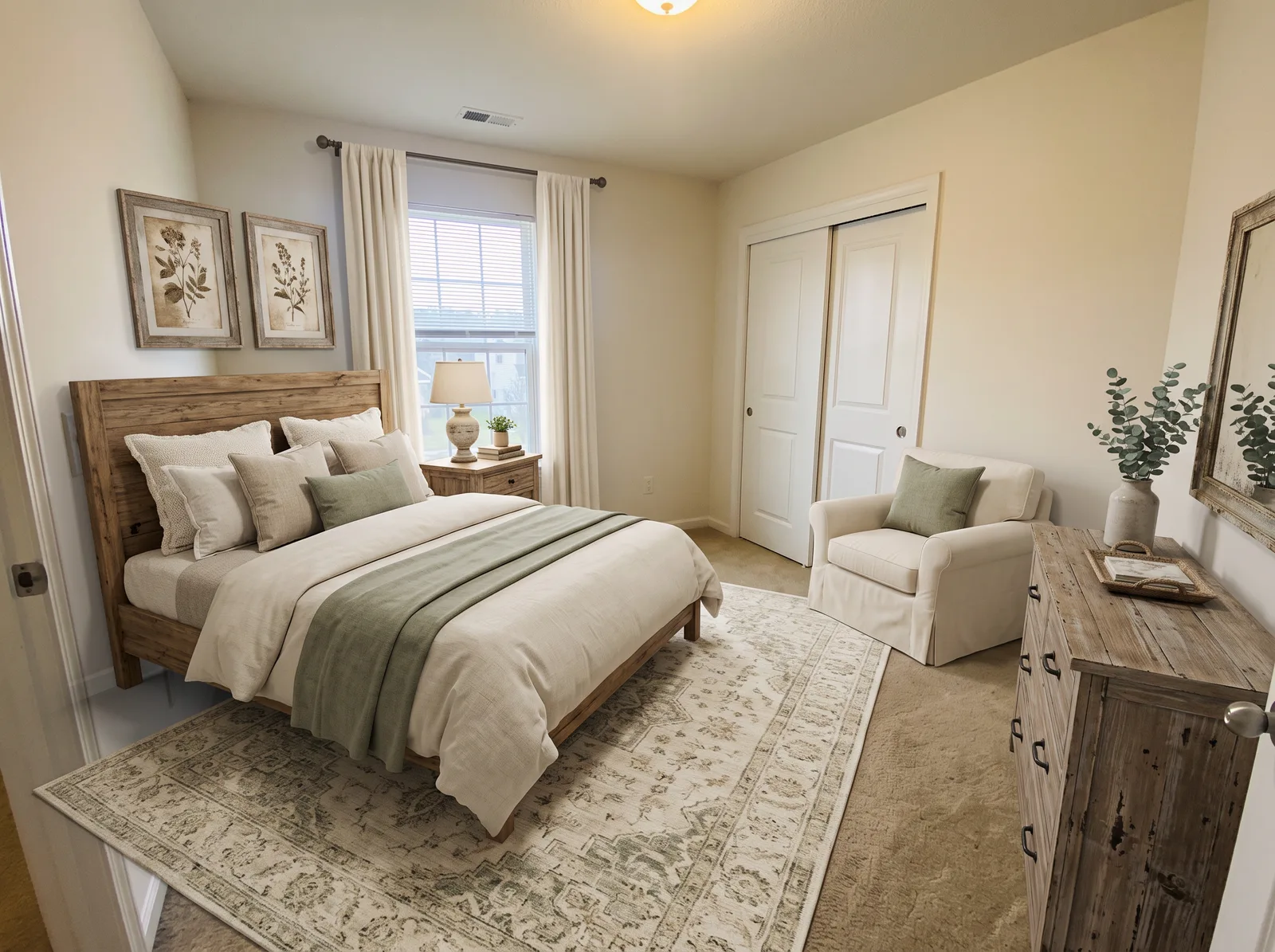 Virtually stagedBeforeAfter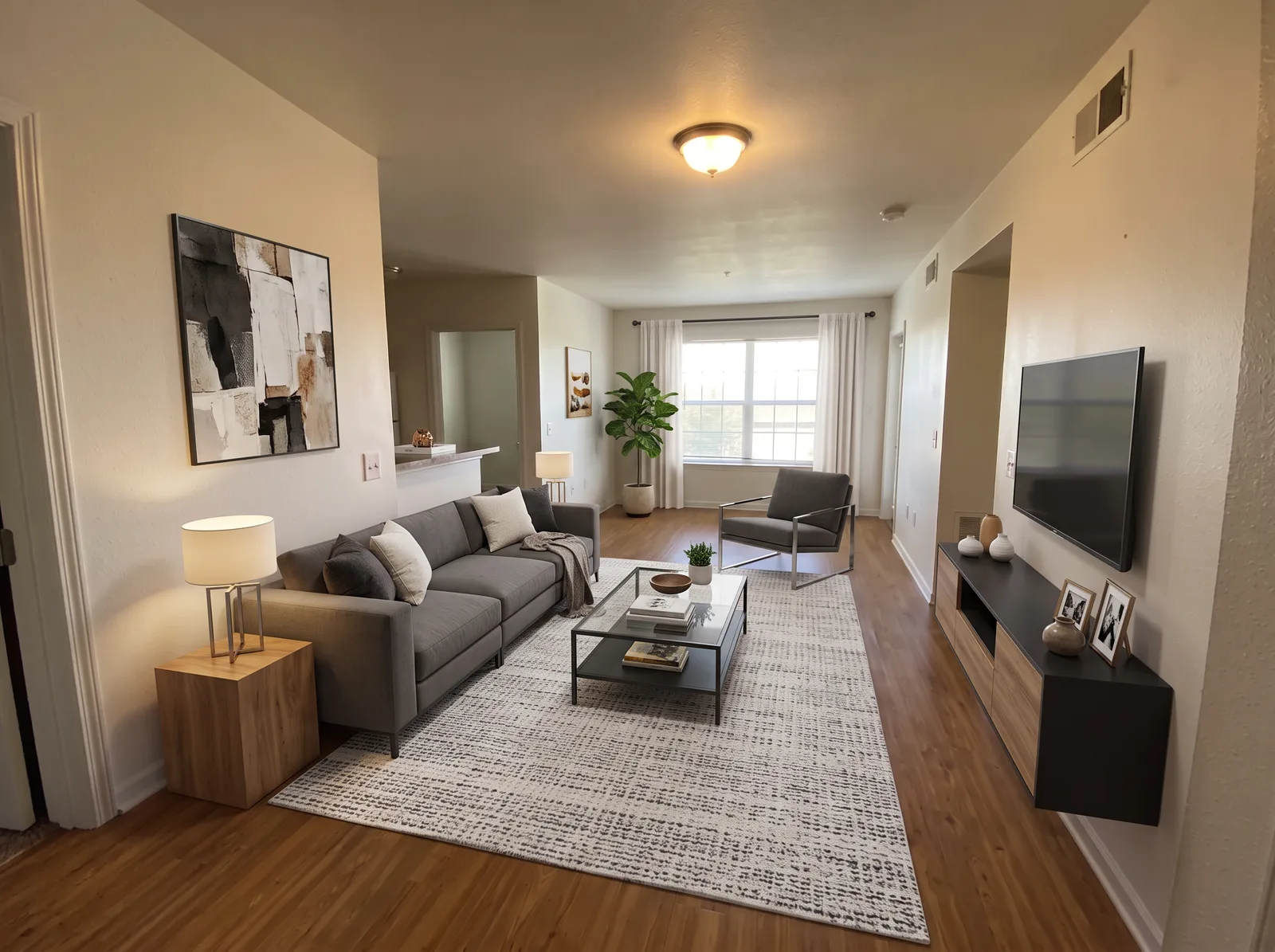
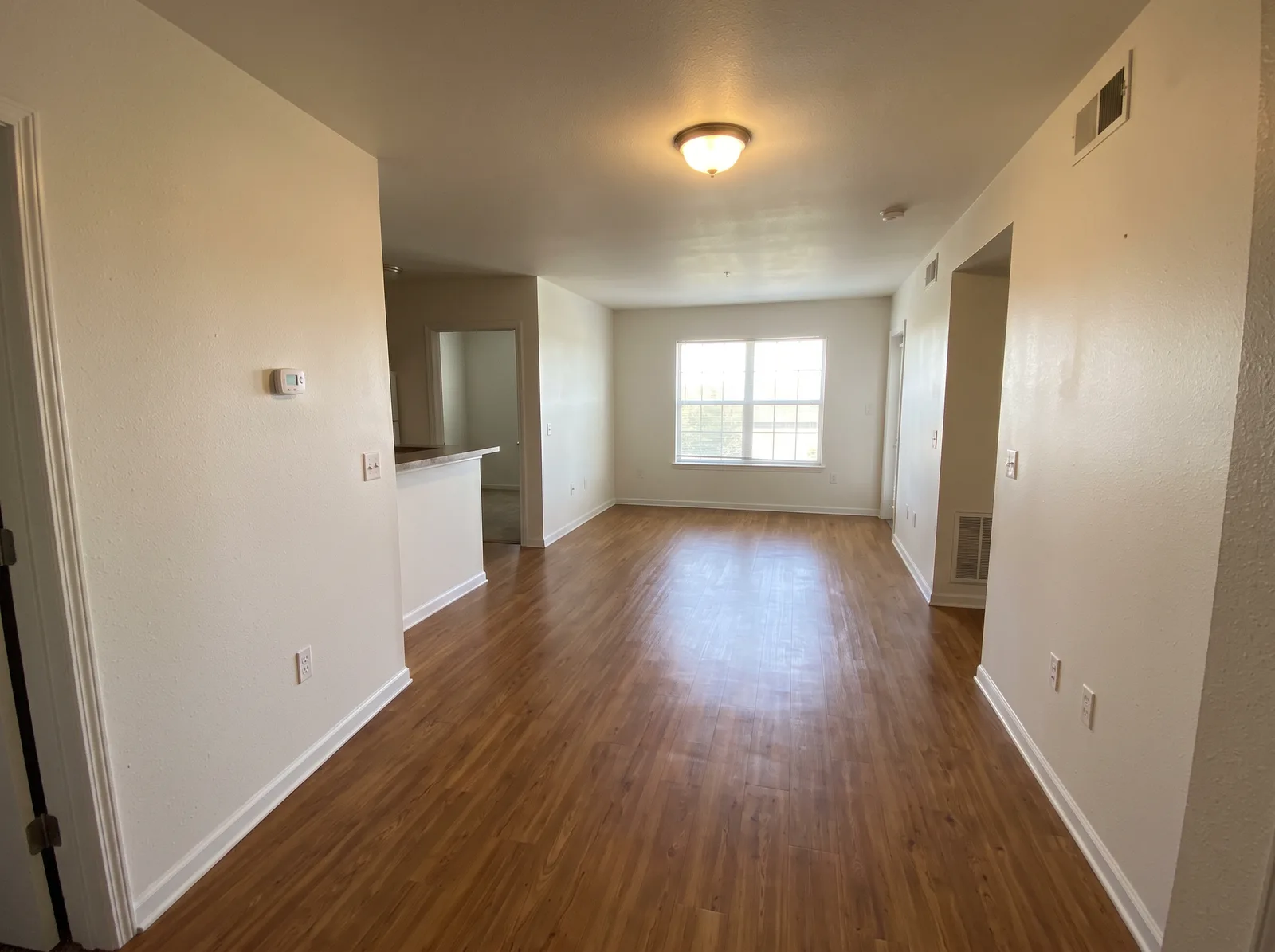 Virtually stagedBeforeAfter
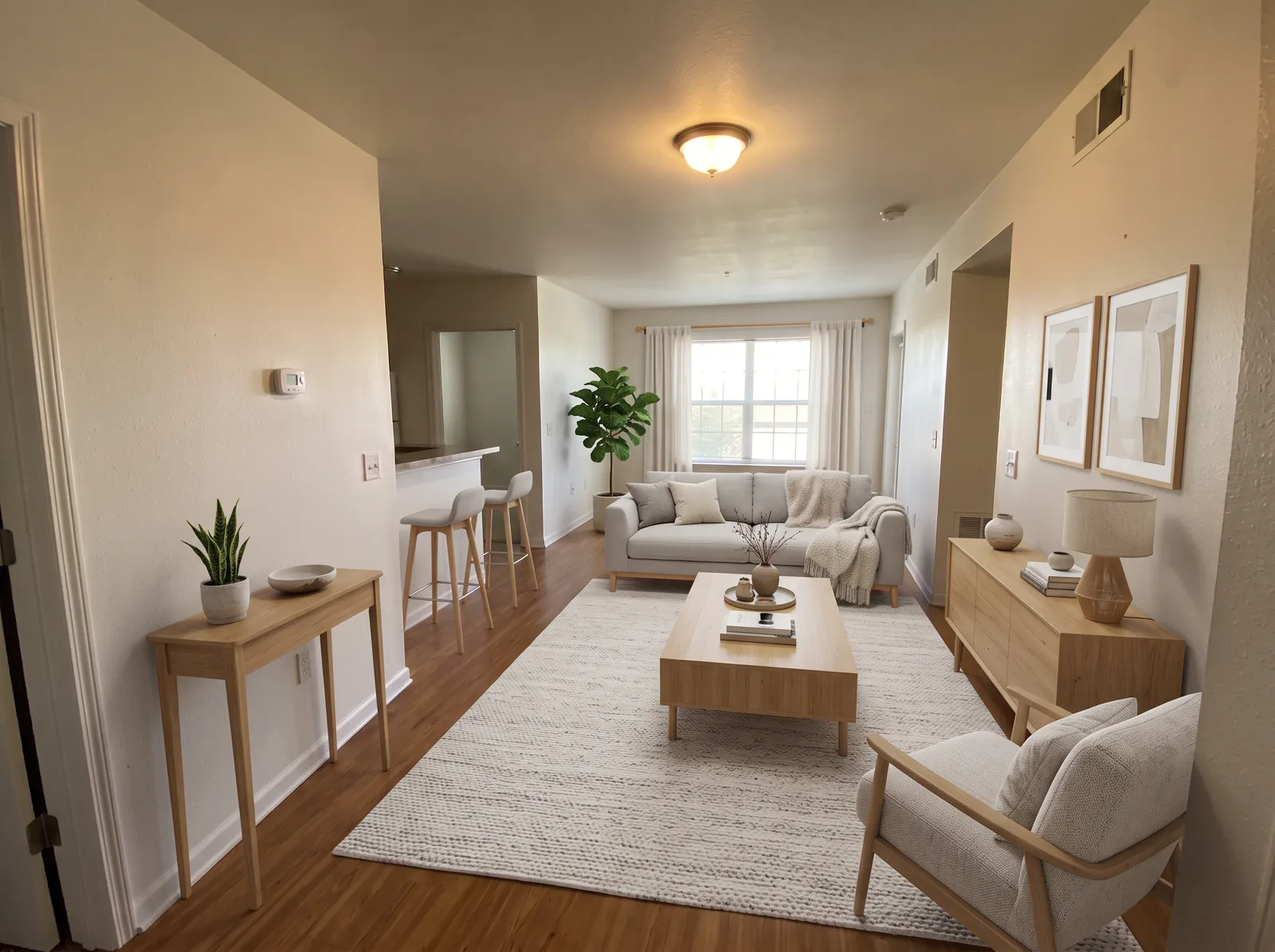 Virtually stagedBeforeAfter
Choose a look suited to the property and the space available. Simple furniture arrangements help keep the room easy to read.
Clean lines and restrained furnishings.
Pale wood and soft, light textiles.
Balanced layouts with familiar furniture shapes; use our Traditional option as a starting point.
Airy upholstery and sandy neutrals.
Rustic wood and relaxed cream textiles.
Get one free daily try without login, or 3 free credits once with Google sign-in. Starter is $9.90 for 40 images; Pro is $24.90 for 120 images — about $0.21 per staged photo when you use all 120 credits. Monthly is $19 for 200 credits each billing period. One credit equals one image, and credits never expire.
View pricing ↗AI furniture is illustrative. Many listing services require virtually staged photos to be disclosed. The “Add 'Virtually staged' label” checkbox is on by default and adds a readable corner label to results and downloads. Check your listing service’s rules and preserve the original photos. This is general product guidance, not legal advice.
Try 1 image per day without signing in, or sign in with Google for 3 free credits once. Free virtual staging and redesign share the same daily allowance. Paid credit packs are available when you need more images.
A staged image usually takes about 40–60 seconds. Busy periods, larger batches or a model fallback can take longer.
It can work with nearly empty rooms, but the best starting point is an empty room. Existing furniture may be changed or duplicated. Use Redesign my room for furnished interiors and review the result.
The staging prompt asks the AI to preserve walls, wall colour, floors, windows, doors, built-ins and the camera view. AI can still make mistakes. Compare with the original and reject misleading changes before publishing.
Uploads are resized to a maximum 1536-pixel long edge. The current default model requests 1K for the anonymous free try and 2K for signed-in generations; fallback models may use 2K. Exact output dimensions depend on the model and aspect ratio.
You may use images you generate for your own listings, provided you have rights to the uploaded photo and follow our Terms, the provider’s terms and your listing service’s rules. Review accuracy and disclose virtual staging. AI output may not be unique.
Many listing services require virtually staged photos to be disclosed. The tool adds a Virtually staged label to displayed images and downloads by default. Check your service’s rules; the label alone may not satisfy every disclosure requirement.
Failed generations automatically restore credits or the free attempt. Unused purchased credits are refundable on request within 14 days of purchase. See our Refund policy for details.